
It starts from your photo
Upload one still image — a portrait, a product shot, a landscape or an old family photo. The AI animates what is already in the frame and never replaces your subject.
Upload a photo, describe how it should move and let the AI turn it into a short video clip — animate portraits, products, interiors or landscapes with the camera move you ask for. Your subject keeps its identity, only the motion is new. Powered by the Seedance 2.5 image to video model — fast, simple and 100% free.
Drag & drop your photo here
or browse files — JPG, PNG, WEBP • max 10MB
No image? Try one of these:
By using this tool you agree to our Terms of Service and Privacy Policy.

Your generated video will appear here
Upload a photo on the left, describe the motion you want, then click Generate Video.
Generating your video…
This usually takes 1–5 minutes. Please keep this page open.
Oops, something went wrong
 AI Image Generator
 AI Object Remover
 AI Watermark Remover
 AI Background Remover
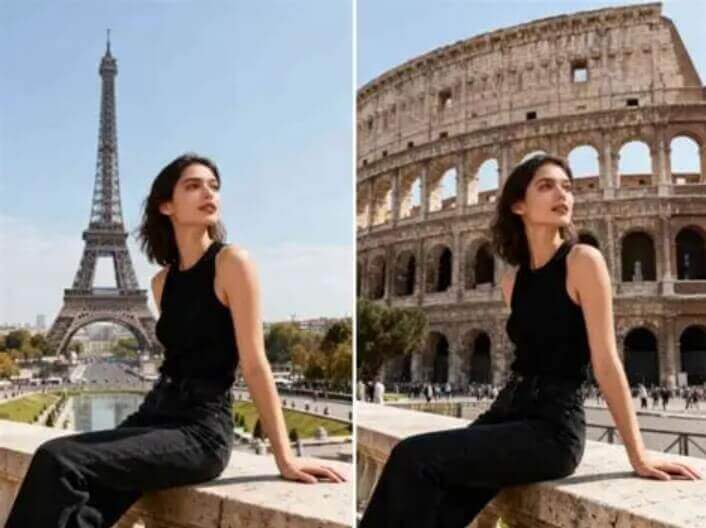 AI Background Changer
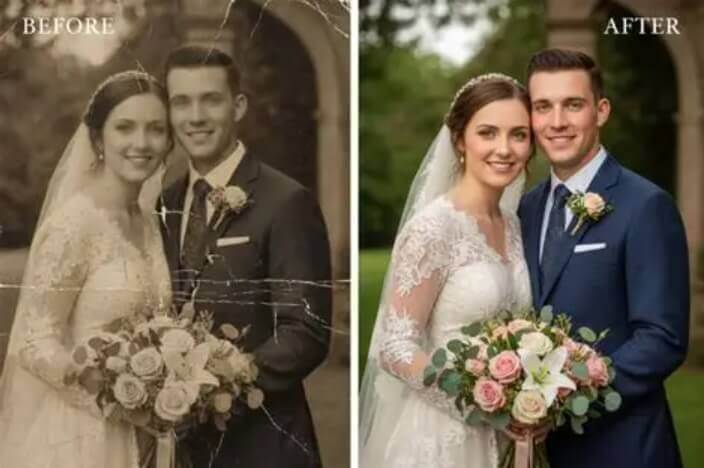 AI Photo Restoration
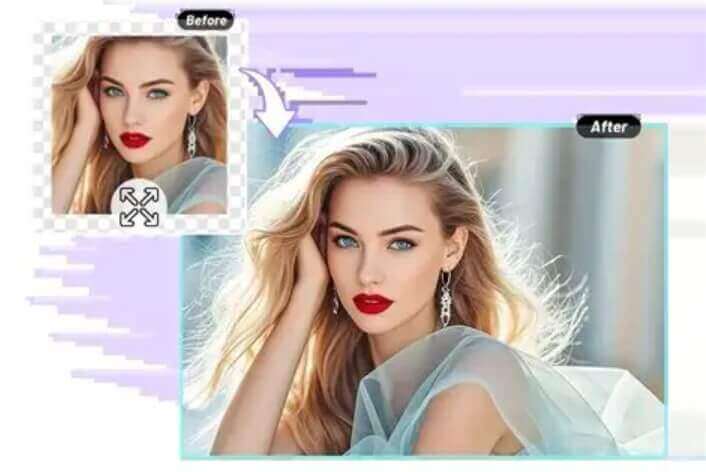 AI Image Extender
 AI Image Enhancer
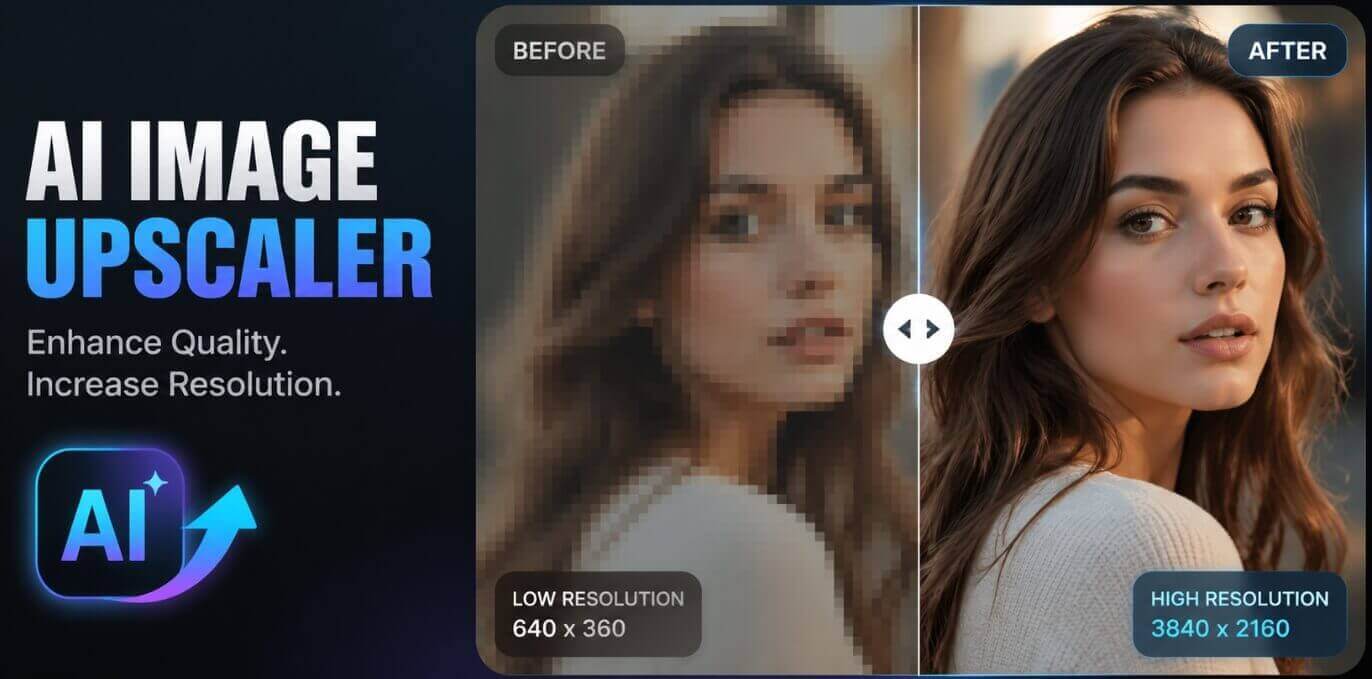 AI Image Upscaler
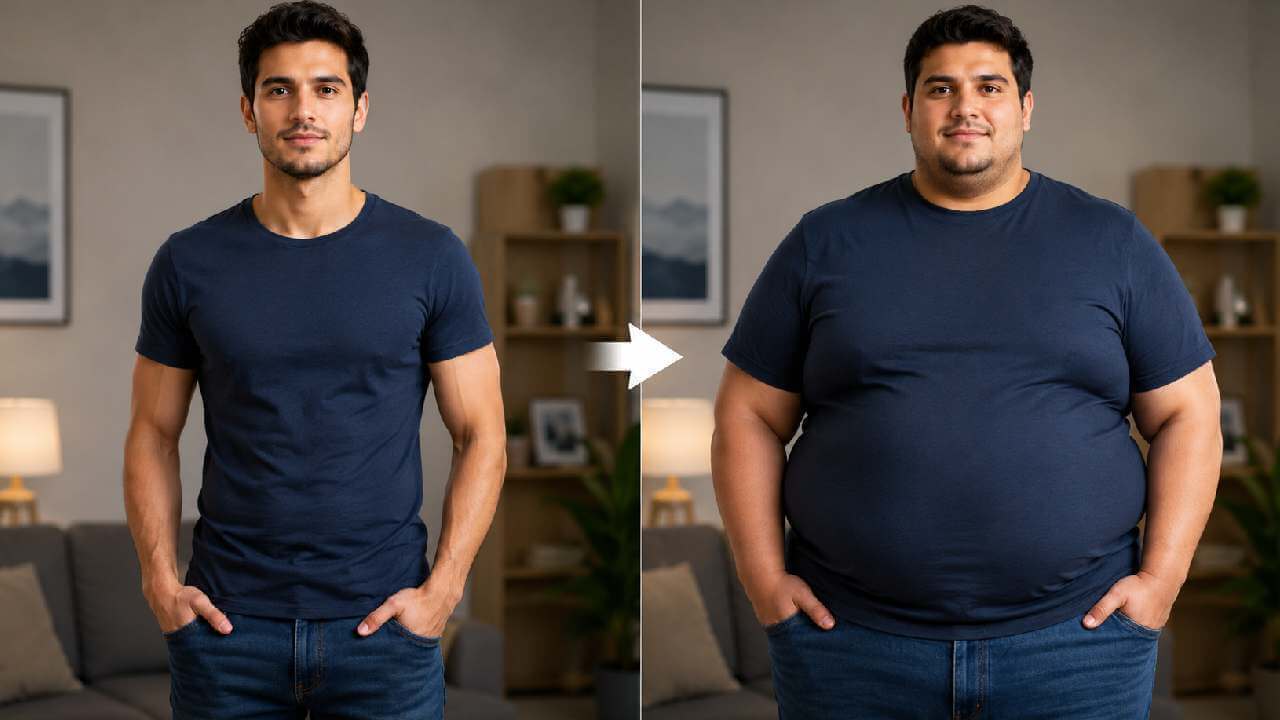 AI Body Modifier
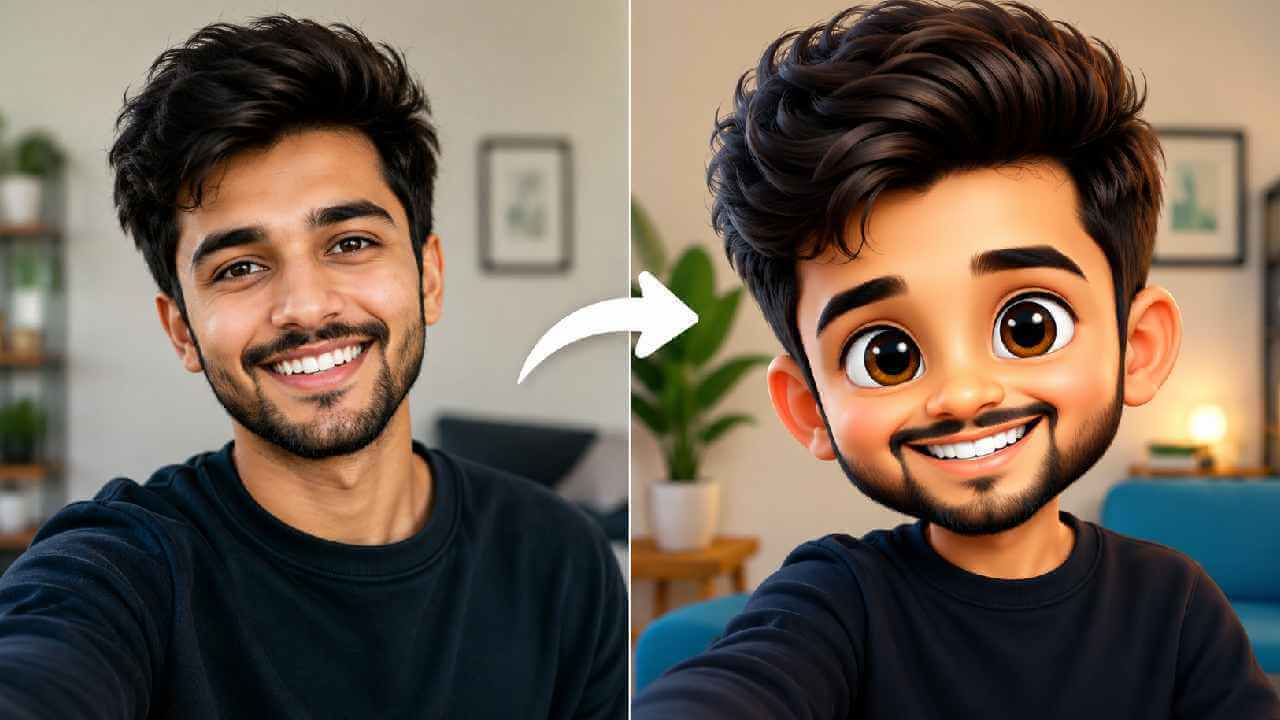 AI Image Style Converter
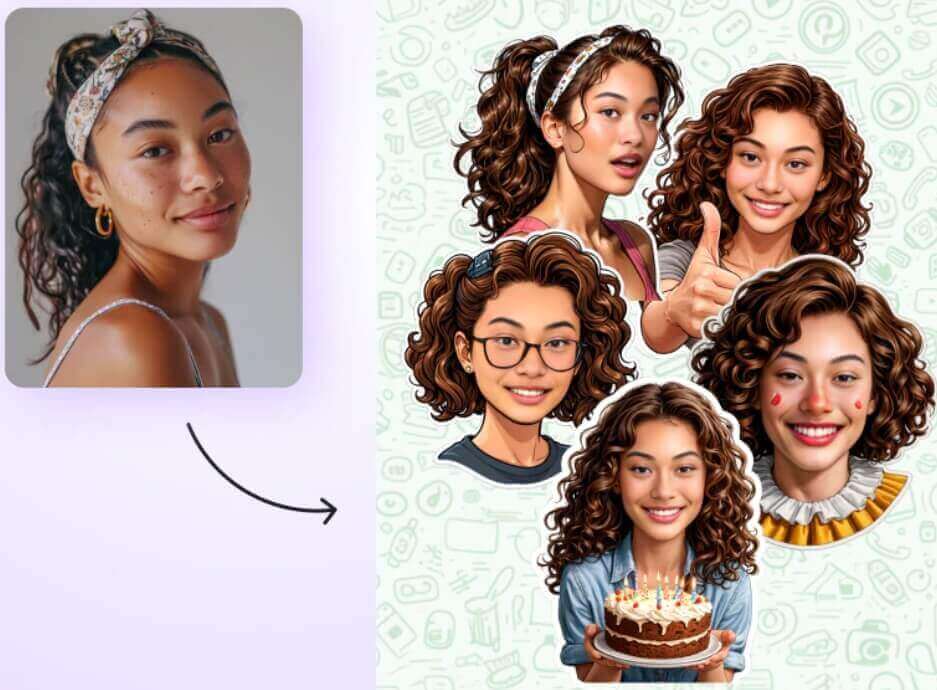 AI Sticker Generator
 AI Text to Video
 AI Face Swap
 Image to Prompt
 AI Clothes Changer
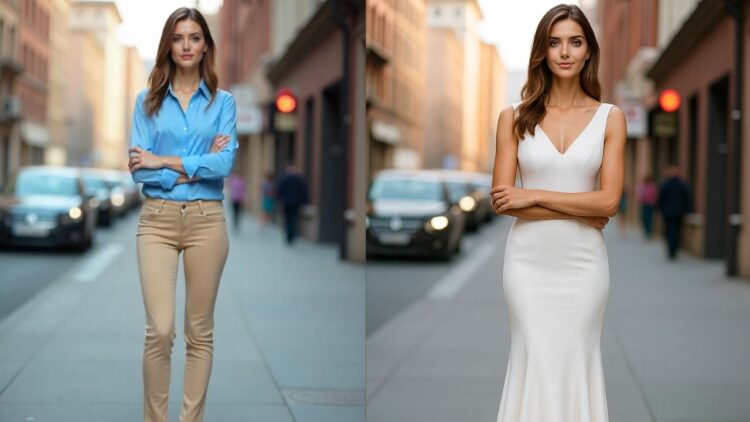 AI Outfit Changer
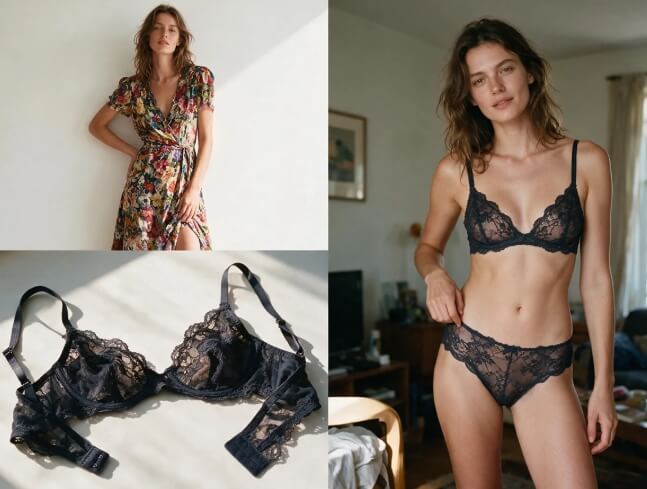 AI Lingerie Try-On
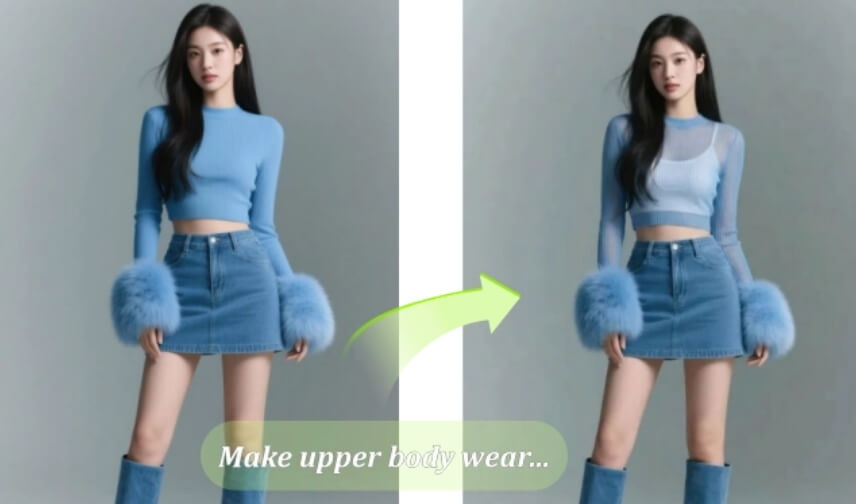 AI Xray Clothes
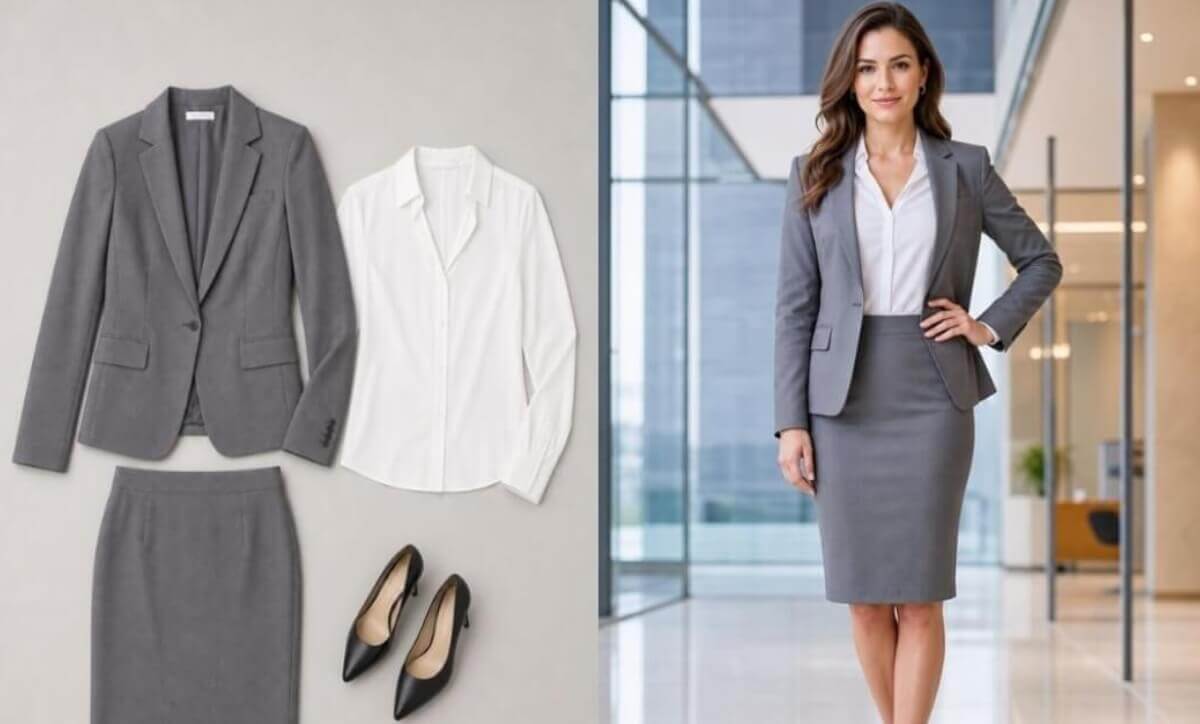 AI Virtual Model Generator
 AI Pose Generator
 AI Baby Generator
 AI Age Changer
 AI Pregnant Generator
 AI Gender Swap
 AI Headshot Generator
 AI Product Mockup Generator
It takes a photo you already own and animates it into a short video clip. You describe the motion in plain words instead of building a timeline — the AI keeps your subject recognisable and adds believable movement.
Upload one still image — a portrait, a product shot, a landscape or an old family photo. The AI animates what is already in the frame and never replaces your subject.
Say how the shot should move: "slow push-in on the couple while the waves roll behind them", "the product spins on a turntable". Plain words are enough.
The model adds camera moves, moving light and natural movement to hair, water, clouds and fabric, while keeping faces, shapes and colours consistent from the first frame to the last.
Nothing. Generate and download in a minute or two, free, with no watermark, no account and nothing to install.
One photo, one sentence describing the motion, and you get a shareable clip — no camera, no crew and no video editing software.
Push in, pull out, pan, tilt or orbit around your subject for a cinematic feel.
Blinking, breathing, a turn of the head and a gentle smile — while the identity stays the same.
Spin a product on a clean background for marketplace listings, ads and social posts.
Drifting clouds, flowing water, swaying trees and shifting light in landscapes and interiors.
Dolly-ins, shallow depth of field, parallax and film-grade colour out of a single still.
Turn a frozen action moment into smooth slow-motion with elegant motion blur.
Export 16:9, 9:16, 1:1, 4:3 or cinematic 21:9 for YouTube, Reels, TikTok or your store.
No sign-up, no watermark, unlimited generations in the browser.
Upload a photo, describe the motion, and the AI renders your clip — free, no sign-up, unlimited use.
Drop in the still image you want to animate — a portrait, a product shot, a landscape or an old photo.
Write how the shot should move, or pick a preset such as Gentle Zoom In, Portrait Alive or Product Spin.
The AI renders the clip and plays it on the page, usually within one to five minutes.
Download the MP4 free, or regenerate with a new motion description to keep improving it.
Any photo with a moment worth bringing to life — here is what people turn into video most often.
Spin a product on a turntable and add motion to listings, ads and marketplace main images.
Give a still portrait a natural blink, a subtle smile and a slow push-in for social profiles.
Add a smooth walk-through camera move so a static listing photo feels like a short tour.
Make the sea roll, the palm trees sway and the clouds drift in a favourite travel photo.
Bring a scanned portrait back to life with gentle breathing, blinking and a soft camera move.
Turn a single image into a 9:16 clip for Reels, Shorts and TikTok without shooting anything new.
Sellers, creators and families use this free image to video generator to bring their photos to life every day.
“My static product photos became short spinning clips and the click-through on my ads went up. No editor, no watermark.”
“I animate one frame from a shoot as a teaser before delivering the gallery. The faces stay exactly the same, only the movement is new.”
“I turn client stills into Reels in a couple of minutes. The 9:16 output drops straight into the schedule.”
“Scanned portraits now blink and smile gently. Watching my grandparents move in an old photo is genuinely moving.”
“A candidate sent a photo instead of a video intro, so I animated it for the internal page with a slow push-in.”
“Gentle camera movement and drifting clouds make my listing photos feel like a walkthrough video.”
Answers to the most common questions about our free online image to video AI generator.
It turns a still photo you already have into a short video clip. You upload one picture, describe how it should move — "slow push-in on the couple while the waves roll behind them" — and the AI renders a few seconds of motion while keeping faces, products and composition recognisable.
Upload one photo, type the motion you want, pick an output resolution and click Generate video. The clip is rendered in 1 to 3 minutes and appears on the right, ready to play and download.
The text to video tool invents a scene from a written description. This tool starts from your own photo, so the person, the product and the setting stay exactly the same and only the motion is new. Use whichever matches what you have.
Clear, well-lit photos with a single obvious subject: a portrait, a product shot, an interior, a pet or a landscape. Photos that are blurry, very dark or packed with text and small details give the model less to work with.
Yes. Describe it in the same sentence as the action — "slow zoom in", "camera pans right", "cinematic dolly-in with shallow depth of field". The presets give you one-click versions of the most common moves.
You get a short clip of a few seconds — long enough for Reels, Shorts, ads and social posts. Longer clips take proportionally more rendering time.
The model animates what is already in the picture and is prompted to preserve identity, shapes and colours. Small variations are normal, so add phrases like "keep the face unchanged" when identity matters.
Anything up to 1024 pixels on the long side. Match the ratio of your photo: 16:9 for YouTube and websites, 9:16 for Reels, Shorts and TikTok, 1:1 for feeds, plus 4:3 and 3:2.
No. There is no timeline, no keyframes and no rendering settings to learn. If you can describe the movement in a sentence, you can make the clip.
Yes. Uploading, rendering and downloading are free with no watermark and no account required. VIP is optional and simply removes the daily limit and unlocks higher-quality rendering.