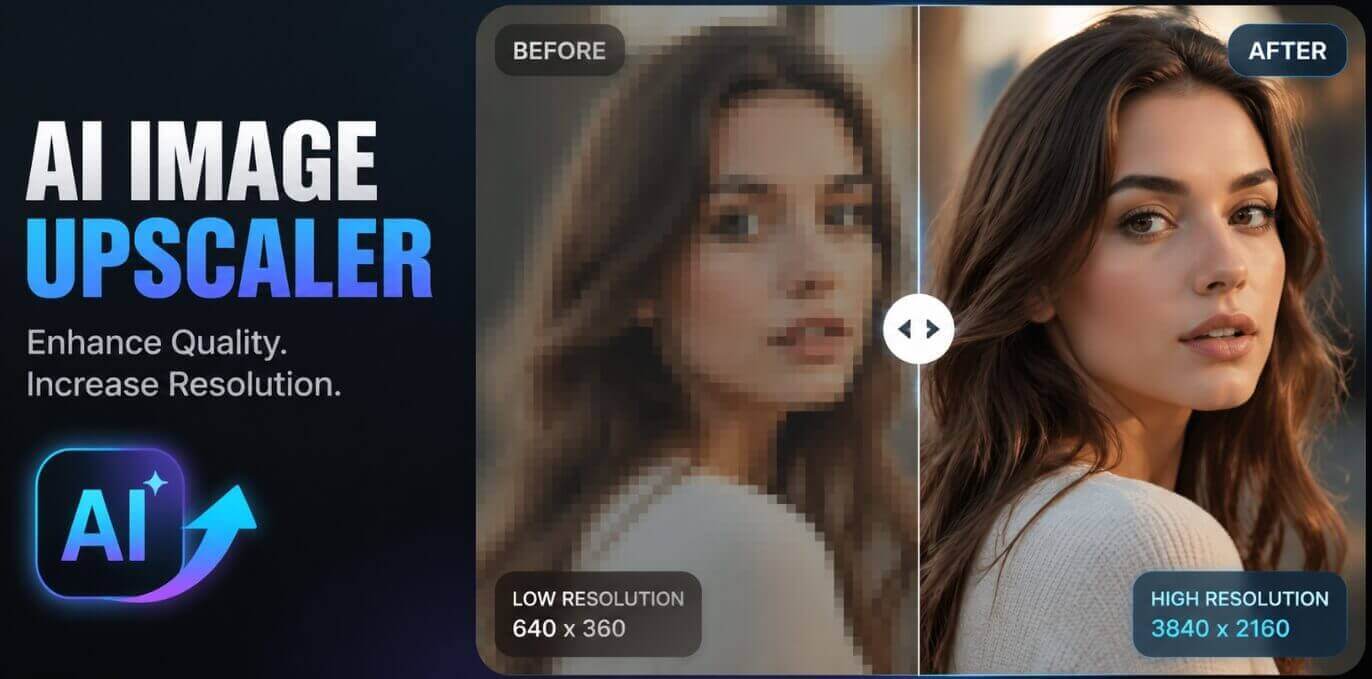
It adds pixels, not blur
The AI analyses the photo you uploaded and generates new pixels that match its content, filling in missing textures and sharpening edges, so the enlarged image stays clear instead of soft or pixelated.
Upload any photo and the AI increases its pixel count and physical size in seconds — turn small low-resolution images into sharp high-resolution ones for large prints or HD screens. Powered by advanced deep learning upscaling models — fast, simple and 100% free.
Drag & drop your photo here
or browse files — JPG, PNG, WEBP • max 10MB
No image? Try one of these:
1K is enough for most uses — pick 2K or 4K for large prints and high-detail screens.
By using this tool you agree to our Terms of Service and Privacy Policy.
Your upscaled image will appear here
Upload a photo on the left, choose the output size, then click Upscale Image.
Upscaling your image…
This usually takes 10–60 seconds. Please keep this page open.
Oops, something went wrong
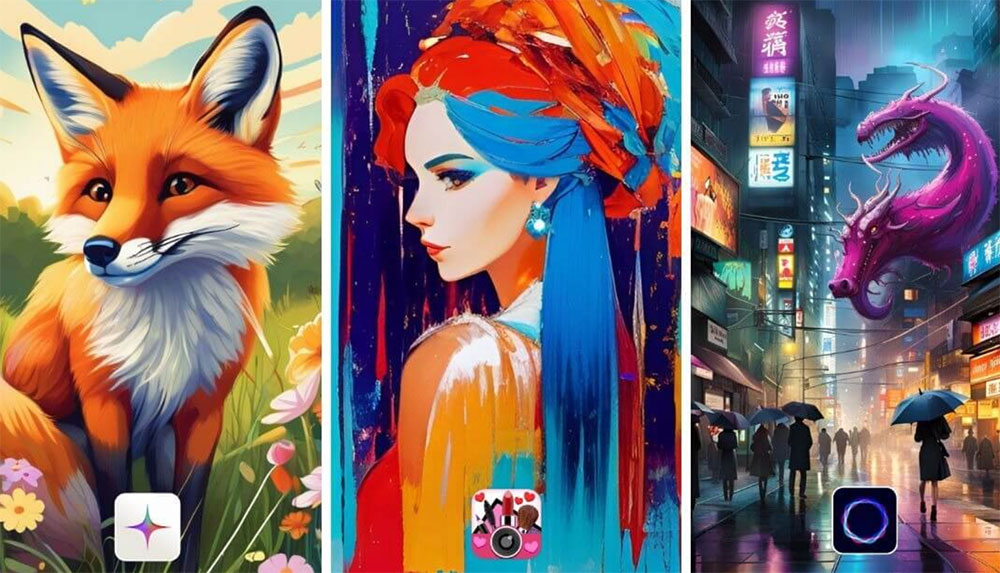 AI Image Generator
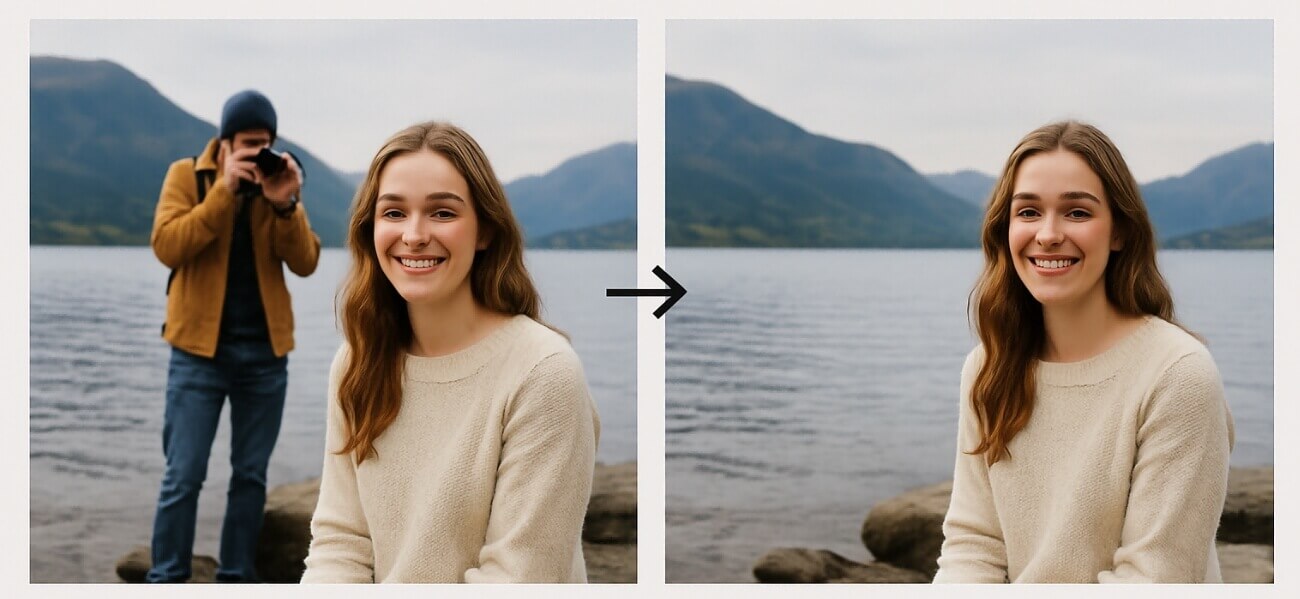 AI Object Remover
 AI Watermark Remover
 AI Background Remover
 AI Background Changer
 AI Photo Restoration
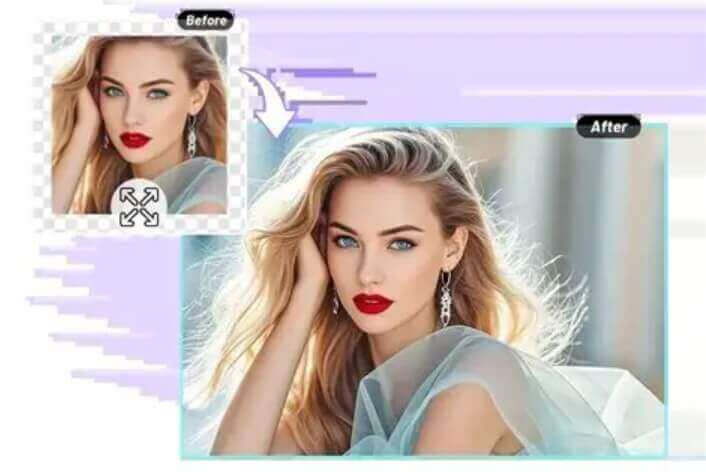 AI Image Extender
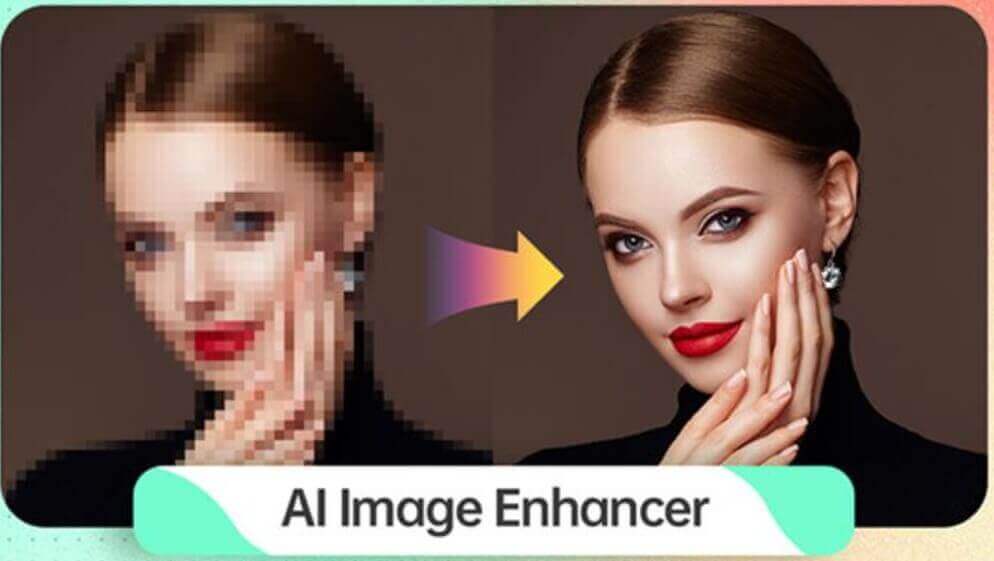 AI Image Enhancer
 AI Body Modifier
 AI Image Style Converter
 AI Sticker Generator
 AI Clothes Changer
 AI Outfit Changer
 AI Lingerie Try-On
 AI Xray Clothes
 AI Virtual Model Generator
 AI Pose Generator
 AI Baby Generator
 AI Age Changer
 AI Pregnant Generator
 AI Gender Swap
 AI Headshot Generator
 AI Product Mockup Generator
An AI image upscaler enlarges a photo you already have — no editing skills, no plugins and no manual resizing.
The AI analyses the photo you uploaded and generates new pixels that match its content, filling in missing textures and sharpening edges, so the enlarged image stays clear instead of soft or pixelated.
Any JPG, PNG or WEBP photo up to 10MB: phone snapshots, screenshots, chat images, supplier product shots, scanned prints or old family pictures. Larger files are compressed in your browser for fast upload.
Composition, framing, people, objects and text are untouched. Nothing is cropped, stretched or replaced — the picture simply gets bigger while keeping the same look.
An upscaled image generated online in 10–60 seconds at 1K, 2K or 4K. Download it free — no watermark, no account and nothing to install.
Turn small, low-resolution photos into sharp high-resolution images — the AI adds real pixels, fills in missing textures and sharpens edges, ready for large prints or HD screens.
Increase the pixel count and physical size of your photo without visible quality loss.
The AI fills in missing textures so enlarged areas stay natural and detailed.
Sharpen edges and fine details so the enlarged image stays crisp and clear.
Turn small low-res images into sharp photos at up to 4K output.
Ideal for large-format posters, banners and sharp display on HD screens.
Vivid, natural colors are preserved even after heavy enlargement.
The AI upscales your photo automatically, usually in well under a minute.
100% free, no watermark, no sign-up and unlimited use.
Upload a photo, choose the output size, and the AI increases its resolution and physical size in seconds — with missing textures filled in and edges sharpened. Free, unlimited use.
Drag & drop or browse a JPG, PNG or WEBP image. It is processed securely and deleted right after.
Select the output size you want — 1K, 2K or 4K, with 1K selected by default.
Click Upscale Image and the AI increases resolution, fills in textures and sharpens details automatically in seconds.
Download the upscaled image in one click, or load it back as input and upscale it again.
From large-format prints to salvaged product shots, here is what people use a free AI image upscaler for.
Blow up small photos to 2K or 4K so posters, canvases and banners stay sharp at print size.
Rescue low-resolution supplier shots so listings look sharp in galleries and on mobile.
Upscale old or compressed images before posting so feeds, stories and thumbnails look crisp.
Scanned prints, chat images and faded family photos come back clearer at a usable size.
Prepare small images for 4K monitors, TVs, slides and presentations without visible softness.
Make text and diagrams in screenshots readable again when they are enlarged or printed.
Print shops, sellers, designers and creators use this free AI image upscaler every day to make small photos usable at large sizes.
“Customers bring in tiny phone photos for A2 posters. Upscaling to 2K gives us files that actually hold up in print instead of falling apart.”
“Old product shots from my supplier were 600px wide. After upscaling they look sharp in the listing gallery and on mobile.”
“I use it to salvage low-res client assets. Edges stay clean and text does not turn mushy, which is exactly what I need.”
“Heavy crops from concert shots upscale beautifully. The grain is controlled and faces keep their detail.”
“I upscale thumbnails and old archive images for videos. 1K is fast, 4K is my go-to for hero images.”
“Scanned handouts and lecture slides came out sharp enough to read and print. No watermark and no account needed.”
Answers to the most common questions about our free online AI image upscaler.
A free AI image upscaler is an online tool that enlarges a photo with super resolution. Upload an image, pick an output size, and a deep-learning model adds real pixels while filling in missing textures and sharpening edges, so a small low-resolution picture becomes a large high-resolution one.
Upload a photo, choose 1K, 2K or 4K, then click Upscale Image. The model analyses the content, reconstructs fine textures and edges, and renders the image at the selected resolution in seconds, without any manual editing.
You can choose 1K (1024x1024, the default for most needs), 2K (2048x2048) or 4K (2048x2048, the largest size the model produces). Larger sizes are best for big prints, posters and high-detail screens.
It reconstructs detail. Instead of simply interpolating existing pixels, the AI learns typical textures and edges and generates new pixels that fit the content, so enlarged areas look natural instead of soft or blocky.
JPG, PNG and WEBP files up to 10MB are supported. Large photos are compressed in your browser before processing, so uploads stay fast on mobile connections.
No. The upscaler keeps the composition, objects, faces and text unchanged. It only increases resolution, refines textures and sharpens edges.
Yes. Old scans, screenshots, chat images and heavily compressed photos are the most common use case. The AI fills in missing textures and sharpens edges, so they come back noticeably clearer at a bigger size.
Most images finish in 10 to 60 seconds depending on the output size and queue load. Keep the page open while the result is being generated.
Yes, it is free and you can upscale a photo without an account and download the result without a watermark. A free member account increases your daily upscales, and VIP adds unlimited daily use, more advanced AI models and every exclusive feature.
Upscaled photos are ready for large-format prints, posters, e-commerce listings, presentations, HD wallpapers, social media and restoring old family pictures. You may use them for personal and commercial purposes as long as you own the rights to the uploaded photo.